How to Use Naver in English: Tools, Tips, and Workarounds
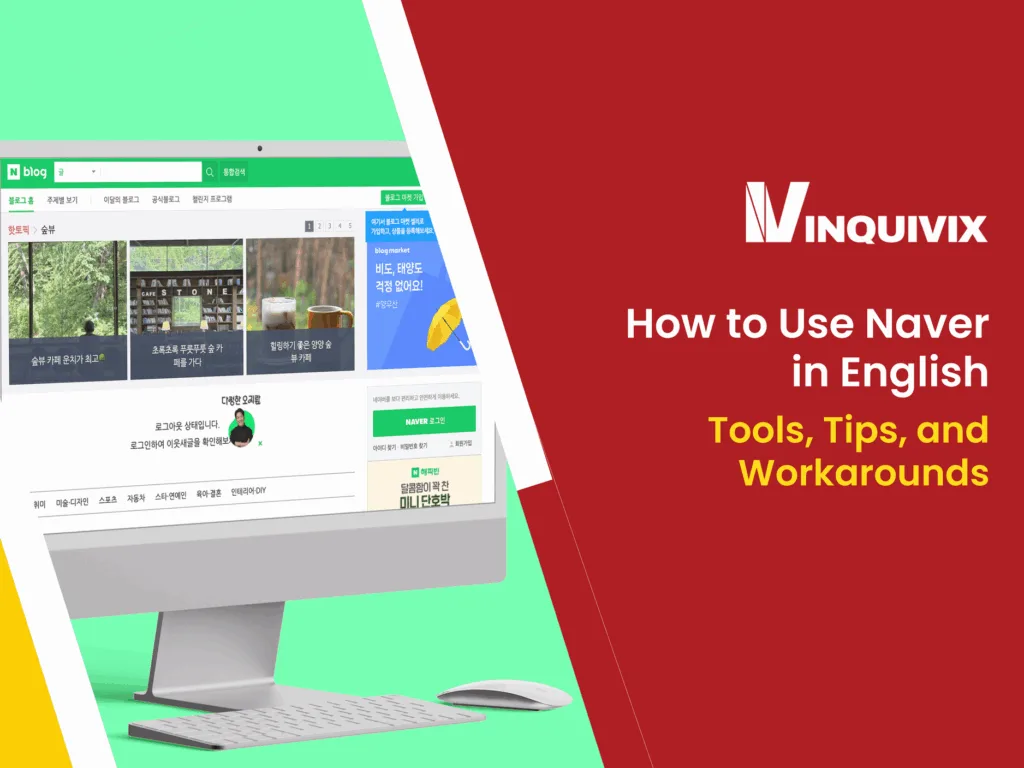
Navigating Naver in English can feel overwhelming for non-Korean users, especially since most of Naver’s core services are built with Korean audiences in mind. As South Korea’s top search engine, far more dominant than Google in the region, Naver is an essential platform for anyone looking to explore Korean culture, research local trends, or tap into the Korean digital market. Whether you’re a traveler, a K-drama enthusiast, a marketer, or a business owner, learning how to access and use Naver in English opens up a world of information that’s otherwise hidden behind a language barrier. This guide will show you exactly how to do that, step by step.
What Is Naver and Why Does It Matter
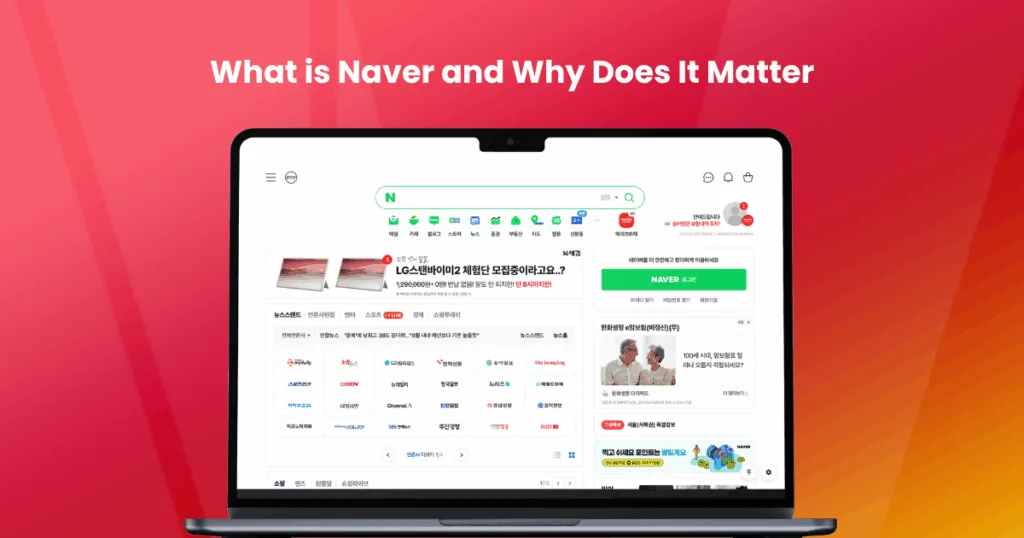
Naver is South Korea’s most widely used search engine and digital platform, often referred to as the “Google of Korea.” Launched in 1999 by Naver Corporation, it has grown into a dominant force in South Korea’s digital ecosystem, encompassing everything from web search and blogs to news, maps, shopping, webtoons, and even AI-powered translation. Unlike Google, which prioritizes global content, Naver is built to serve highly localized, Korea-specific information, making it the go-to platform for Korean users.
The Google of South Korea
In most countries, Google is the undisputed leader in search. However, in South Korea, Naver holds over 50% of the search engine market share, outperforming global giants like Google and Bing. Korean users prefer Naver because it delivers results tailored to local preferences, often drawing from its own ecosystem of user-generated content, news outlets, shopping platforms, and communities. This unique approach makes Naver not just a search engine but a comprehensive digital hub for information and interaction.
7 Key Features of Naver
Here are some of the core services that make Naver a powerhouse in Korea:
- Naver Search – The main search engine function that pulls results from blogs, news, cafés, and videos.
- Naver Blog – A massive network of user-generated content, often preferred over traditional websites.
- Naver Café – Online community forums on every topic imaginable, from hobbies to business networking.
- Naver Shopping – An integrated e-commerce portal with product listings, price comparisons, and user reviews.
- Naver Webtoon – A global hit for digital comics, offering free webtoons across multiple languages.
- Naver Map – Korea’s preferred navigation and location-based service, more accurate than Google Maps locally.
- Papago – Naver’s proprietary AI translator that rivals Google Translate in Korean accuracy.
Understanding how these services work and which are accessible in English can unlock valuable insights, for a consumer trying to get around Korea or a business looking to connect with Korean audiences.
Does Naver Offer English Language Support?
While Naver is a powerful and versatile platform, its support for English-language users remains limited. Unlike global platforms that prioritize multilingual accessibility, Naver is built primarily for native Korean speakers and the Korean market. However, there are a few exceptions and workarounds that make using Naver in English somewhat possible, especially if you know which services offer partial translations or global versions.
Limited English Options
The core Naver homepage, blog, café, and shopping platforms are almost entirely in Korean, with little to no English-language settings. This can make navigation challenging if you’re unfamiliar with the language. Even account creation and login processes are often filled with Korean prompts, which can frustrate new users.
However, Naver has made strides in offering English support for some of its global-facing products, particularly in entertainment and mobile apps. But the majority of Naver’s digital ecosystem remains closed off to English speakers without the aid of translation tools.
Apps and Platforms with English Versions
Despite the language barrier, several Naver services are accessible to English-speaking users either through standalone apps or dedicated global platforms. Here’s a quick breakdown:
| Naver Service | English Version Available? | Notes |
| Naver Webtoon | ✅ Yes | Full English interface via app and website |
| Naver Map | ✅ Yes | English UI with basic directions and search |
| Papago | ✅ Yes | English-Korean translation with image and voice |
| Naver Blog | ❌ No | Korean only, requires translation tools |
| Naver Shopping | ❌ No | Entirely in Korean |
| Naver Café | ❌ No | Community-based, requires manual translation |
| Naver Search | ❌ No | Primarily in Korean, even for English queries |
What You Can Expect
- Navigation in English: Available only for a few select services like Naver Map and Webtoon.
- Account Settings: Often mixed; some parts of registration may appear in English, but core services revert to Korean.
- Search Queries in English: You can input English keywords, but results will be predominantly Korean content.
In short, while you can use Naver in English to some extent, don’t expect a fully localized experience. For deeper use, especially for research or marketing purposes, language tools or help from a native speaker will still be essential.
How to Use Naver in English: Workarounds and Tools
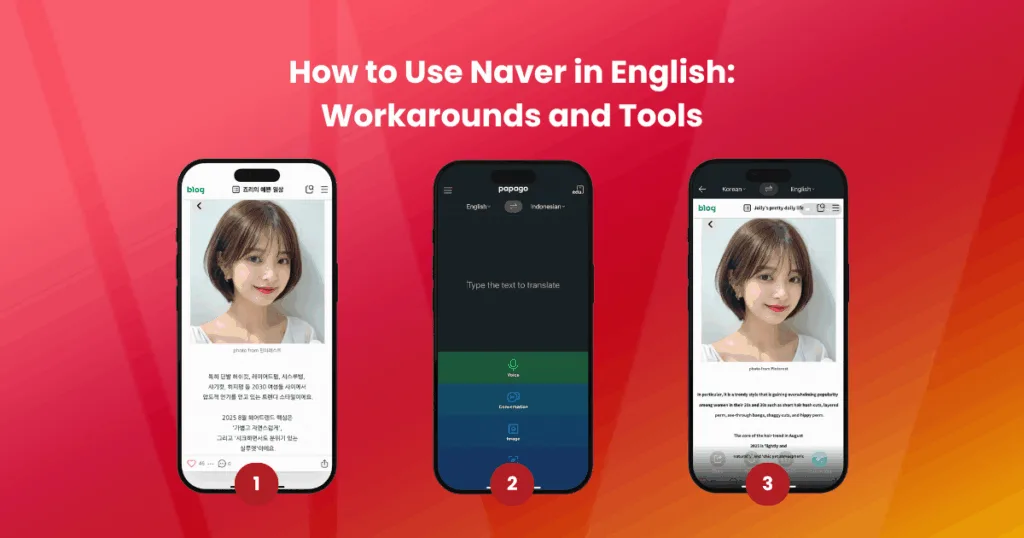
Although Naver isn’t built with English-speaking users in mind, several effective workarounds and tools can help you navigate the platform and its services. Whether you’re browsing Naver Blog content, searching for local businesses, or exploring trends, these methods allow you to bridge the language gap and make the most of Naver in English.
Use Built-in Browser Translation Tools
Most modern browsers now offer auto-translation features that can help you interact with Korean-language websites.
Recommended Browsers:
- Google Chrome: Automatically detects and offers to translate Korean pages into English.
- Microsoft Edge: Similar functionality, powered by Microsoft Translator.
- Safari (Mac/iOS): Translation is available but often less accurate for Korean.
Pros:
- Instant translation of full web pages.
- Easy to toggle between original and translated content.
Cons:
- Translations can be inaccurate or awkward, especially for technical or informal terms.
- Some dynamic content (like Naver comments or pop-ups) may not translate properly.
Pro Tip: Right-click on the page and select “Translate to English” (in Chrome). Pin the translation toolbar for faster access.
Translate Naver Apps with Papago
Papago, developed by Naver itself, is a powerful AI translator designed specifically for Korean and other Asian languages. It provides more accurate translations than Google Translate when dealing with Korean syntax and slang.
Features:
- Text translation (Korean ↔ English)
- Image translation (screenshots, signs, app screens)
- Voice and conversation mode
- Handwriting and offline support
How to Use:
- Download the Papago app (iOS or Android).
- Use the camera mode to scan text in Naver apps or web pages.
- Tap to translate real-time text or upload screenshots from your phone.
**Why Papago over Google Translate?**Papago is optimized for Korean grammar, idioms, and culture-specific expressions, making it a better tool for navigating Naver content.
Use English-Based Alternatives Where Possible
Some Naver services have global versions or partial English support. If available, it’s easier to use these directly rather than trying to translate the Korean versions.
Examples:
- Naver Webtoon (webtoons.com) – Global platform available in multiple languages, including English, Japanese, and Thai.
- Naver Map (mobile app) – Has an English interface for directions, POIs, and business info.
- Papago – Global translation app with full English UI.
When it comes to Naver Blog or Café, you can also:
- Use Google Search with the query format:
site:blog.naver.com [your keyword]
This method often yields better indexing and preview in English, allowing you to decide if the content is worth translating.
Mobile Users: Switch Naver App to English Mode
Good news for mobile users, some versions of the Naver app now allow users to switch the interface language to English. This update is limited but helpful for accessing key features without relying heavily on translation tools.
How to Enable English in the Naver App:
- Download the Naver app from the App Store or Google Play.
- Open the app and log in or create a Naver account.
- Tap the three-line menu icon in the top corner.
- Go to Settings (설정) > Language (언어 설정).
- Select English from the language list.
**Note:**This feature is currently supported in select regions and on newer app versions. Some features may still appear in Korean depending on the service or content type.
Enabling English mode simplifies navigation for search, news, and profiles, especially helpful for first-time users exploring Naver on mobile.
Combine Tools for the Best Experience
To effectively browse Naver in English, consider combining several of the above methods:
- Use Chrome + Papago together for both full-page and image-based translations.
- Use Naver Map (EN) for directions and navigation inside Korea.
- Use Google Search for indexing Naver content more easily.
- Set English language mode on your mobile to make the app more user-friendly.
This hybrid approach gives you more flexibility and accuracy when dealing with Naver’s Korean-first ecosystem.
Using Naver for Research and Marketing as a Non-Korean
For businesses, marketers, and researchers looking to understand or enter the Korean market, Naver is more than just a search engine; it’s a goldmine of local consumer behavior, keyword data, brand sentiment, and trend insights. While the platform is primarily in Korean, with the right strategies and tools, non-Korean users can extract valuable data that would be nearly invisible on Google or other global platforms.
Why Marketers and Researchers Use Naver
Naver is where Koreans search, shop, read, and review. That means it offers an unmatched window into what the Korean public is thinking, buying, and talking about.
Here’s what makes Naver essential for research and marketing:
- Localized Search Behavior: Korean users rely heavily on Naver Blog and Café for reviews and recommendations, rather than relying on third-party websites like in the West.
- High Content Engagement: Naver’s SERPs prioritize user-generated content (UGC) from blogs and communities, which means real people’s voices and opinions dominate the search results.
- Industry-Specific Niches: From fashion and beauty to finance and electronics, Naver contains deeply segmented content ecosystems ideal for niche market research.
- SEO Opportunity: Ranking on Naver is not the same as Google SEO. It requires knowledge of Naver’s algorithm, content formats, and tagging systems, making it a strategic space for businesses wanting to build Korean visibility.
How to Navigate Naver’s SERP (Search Engine Results Page)
Understanding how Naver displays results is crucial for using it effectively. Unlike Google, which uses a simple list format, Naver’s SERP is a multi-sectioned interface featuring different content types in layered blocks.
Key Naver SERP Sections to Know:
| Section Type | Description |
| Powerlink Ads | Paid ad listings are shown at the top, similar to Google Ads |
| Shopping Ads | Product listings from Naver Shopping with images and prices |
| Naver Blog | Blog posts by users, often ranking above brand websites |
| Naver Café | Community-based forum posts with real user feedback |
| News | Curated and algorithm-selected local news articles |
| Knowledge iN | Naver’s version of Quora, Q&A content with upvotes and expert answers |
| Images/Videos | Multimedia results tailored to your search intent |
Tip: Use Chrome’s translation tool or Papago to translate each SERP block individually. This helps you identify which sections are worth analyzing more deeply.
Use Cases for Foreign Brands and Researchers
Whether you’re validating a product idea or planning a full-scale Korean marketing campaign, here’s how foreign users can benefit from Naver:
- Consumer Research: Analyze blog content and café discussions to understand pain points, expectations, and language patterns.
- Trend Tracking: Use Naver Trends (trends.naver.com) to compare keyword volume and seasonal shifts in consumer interest.
- Competitor Analysis: Search competitor brand names to see what local users are saying and how they’re engaging.
- Localized SEO Planning: Research what type of content performs best (e.g., blog reviews, unboxing, listicles) and replicate it for Naver ranking.
By learning how to use Naver strategically, or by partnering with experts, you can unlock deep insights and create marketing campaigns that actually resonate with Korean consumers.
Naver in English – Yes, It’s Possible (With Help)

While Naver was designed with Korean users in mind, that doesn’t mean it’s off-limits to international users. With the right combination of browser tools, mobile app settings, and AI translation apps like Papago, it’s entirely possible to navigate Naver in English, whether you’re browsing blogs, using Naver Map, or conducting market research. And for marketers or brands looking to break into Korea’s digital ecosystem, Naver offers an unmatched opportunity to connect with local audiences in an authentic, culturally relevant way.
Yes, there’s a learning curve. The interface is different, the content is Korean-first, and the SEO rules don’t follow Google’s playbook. But with the right approach and the right partner, you don’t need to speak Korean fluently to understand what’s trending in Korea, how consumers think, or how to get your brand seen.
Ready to Unlock Naver’s Full Potential?
If you’re looking to do more than just browse, Inquivix can help. We specialize in Naver SEO, content strategy, and Korean digital marketing, helping foreign businesses succeed in South Korea’s highly competitive online space. Whether you’re trying to build brand awareness, rank on Naver SERPs, or launch a localized campaign, our team knows exactly how to get results in this unique ecosystem.
**Don’t let the language barrier block your growth.**Partner with Inquivix and take full control of your Naver strategy, in English, with expert local execution.